NEO ADDONS / MADE FOR ELEMENTOR

IMAGE + TEXT SLIDER FOR ELEMENTOR

Hero

Hero Carousel.

Create slides with images, headings, text and buttons. Choose left/right layouts, 8 transition effects and separate parallax settings.

Ready-made presetsBig TextAutoplay & loop

Edit content and styles in Elementor.

08↗

Transition effectsDepth, rotation, Cards & Coverflow

Aa

Typography controlsFonts, sizes, spacing & colours

∞

Autoplay & loopDelay, speed & reverse direction

↔

Responsive settingsSlides per view & text sizing

READY-MADE LAYOUTS

Hero

Hero Carousel presets.

Apply a preset, replace its content,
then adjust the colours and typography.

Onda Ritual

Beauty Wellness

Roam Theory

Travel

Rep Society

Fitness

Mira Vale

Personal Branding

Trove Goods

Ecommerce

Sugo Social 2

Restaurant

Arvo Homes

Real Estate

Morrow

Education

SLIDE CONTENT & BACKGROUNDS

Image

Images, text & buttons.

Add and edit the content of each slide.

01

Content. Image, heading, subtitle, list, badge and button with a link.

02

Background. Colour, image, gradient and overlay.

03

Decorations. Big Text, vertical text and vertical lines.

04

Styling. Colours, spacing, borders and border hover styles.

FONTS, COLOURS & SPACING

Typog

Typography & BIG TEXT.

Set font family, size, weight, line height and letter spacing. Style the title, subtitle, list, badge and button separately.

Big Text and vertical text have their own styling controls.

SLIDER ANIMATION

8 eff

8 effects. Parallax.

Choose a transition effect.
Set separate parallax offsets for the title,
subtitle, Big Text and image.

Z-Depth SlideDual Side PushSoft PushFlip DepthRotate Sides3D Cube TwistCardsCoverflow

TIMING & NAVIGATION

Autop

Autoplay & navigation.

Set playback timing and enable the controls visitors need.

Autoplay delay

Turn autoplay on or off. Set the wait between slides in milliseconds.

Speed & direction

Set transition duration in milliseconds. Reverse autoplay direction.

Infinite loop

Repeat the slide sequence continuously, or turn looping off.

Arrows & bullets

Enable each separately. Set normal, hover and active colours.

LAYOUT & ALIGNMENT

Image

Image left. Image right.

Choose a default layout or override it per slide. Adjust content alignment and the maximum text width.

Centered Slides: centre the active slide.
Gap: set the distance between slides.
Slides per view: control how many slides are visible.

02 / LEFT & RIGHT LAYOUTS
SLIDE
TITLE.
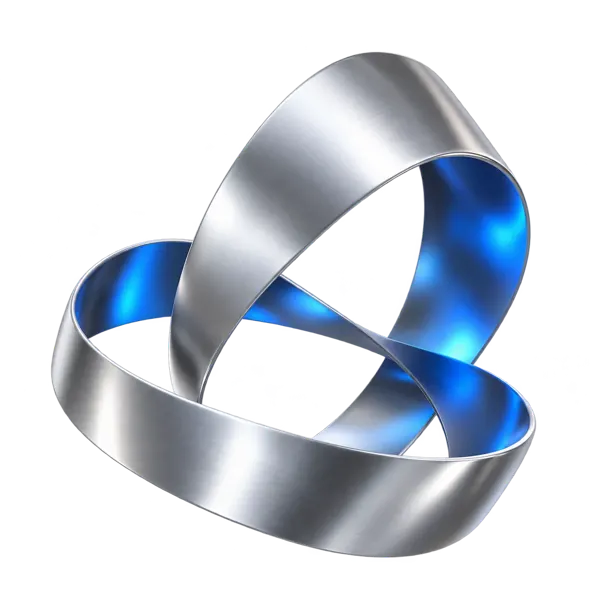
Sculptural silver and blue ribbon
Content width & alignment
← TEXT + IMAGE →CHANGE THE LAYOUT WITH THE BUTTONS

RESPONSIVE CONTROLS

Deskt

Desktop. Tablet. Mobile.

Set responsive typography and spacing. Choose how many slides are visible at each slider breakpoint.

Desktop→Tablet→Mobile
5 slider breakpoints

576 · 768 · 992 · 1200 · 1400 px

DECORATIVE ELEMENTS

Verti

Vertical lines. Lottie animations.

Add animated decorations to individual slides.

Vertical text & lines

Style vertical text, decorative lines and background line gradients.

Built-in Lottie designs

Circle Lines, Spiner, Waves, Rocket, Stripes, Confetti, Beat and Beat Purple.

Lottie controls

Choose animation speed, width, height, position and opacity.

HERO CAROUSEL / NEO ADDONS

ELEMENTOR WIDGET + PRESETS
Get H

Get Hero Carousel.

Included in Neo Addons.
Get the plugin or browse the preset library.